Practise terminology and vocabulary
Build card sets around your subjects. Learners repeat terms using questions and answers, the Leitner system or tests.
Create flashcards for your lessons, share them with your classes and see which topics need more practice. Learning groups and central user management support learning in the classroom and at home.
10 places including administrators · No credit card · No automatic paid conversion
Build card sets around your subjects. Learners repeat terms using questions and answers, the Leitner system or tests.
Share exam material with your class. Activity and results help you discuss open questions and further practice.
Organise classes, courses or support groups as learning groups. Assign suitable sets and reuse material for future classes.
From learning material to shared practice
Shared material, individual learning speeds: here is one way to organise preparation.
Create a learning group for your class. Invite learners individually or through an Excel import and assign them to the class.
Prepare questions on the exam topic and share the card sets with the study group.
Learners practise with their assigned cards. Use the learning overview to discuss progress and further practice needs.
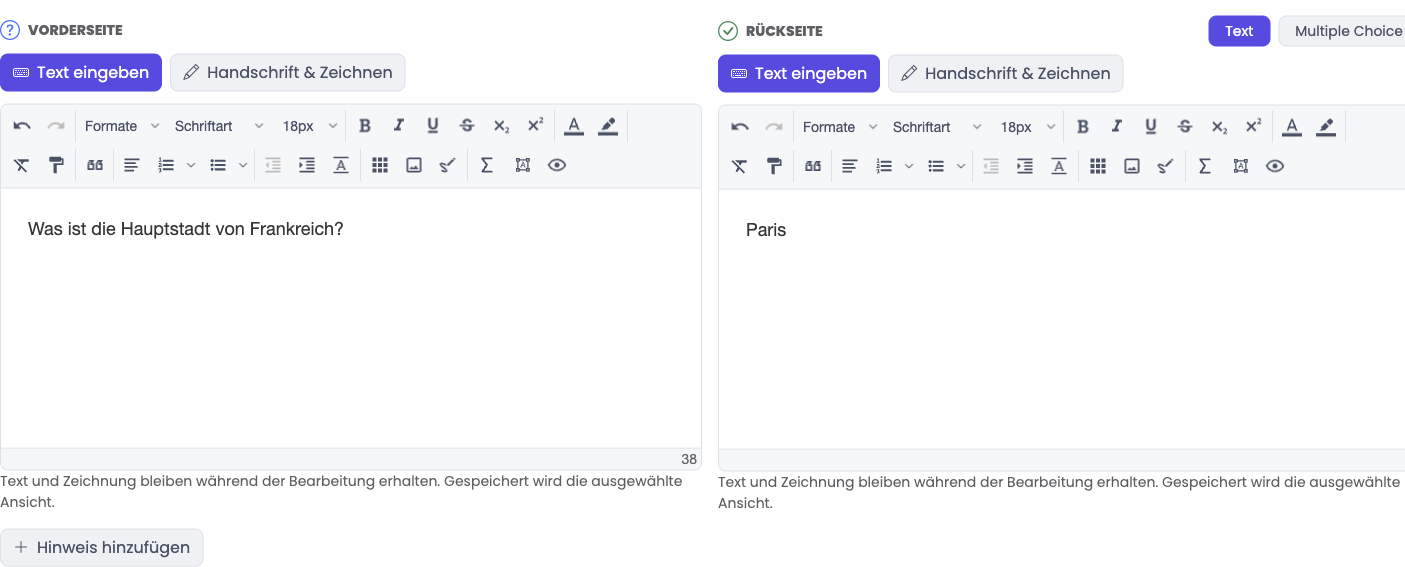
Learners practise the same material using card stacks, the Leitner system and tests. Learning activity and results support conversations about what needs more practice.
How the Leitner system worksAdd learners individually or import them from Excel and assign them to study groups. Roles control who manages content and who learns.
Review activity and progress for each learner. Explore individual card sets and card results in the learning details.
Use AI to create flashcards from your documents and exams for practice. Check suggested questions and answers for accuracy before using them in class or with your team.
Explore organisation managementChoose a plan for your active people and reserved invitations.
USD 830
per year
USD 1,310
per year
USD 2,150
per year
USD 5,030
per year
USD 7,790
per year
All prices exclude VAT. Every active person counts, including administrators. Open invitations reserve a place; deactivated accounts do not count.
White Label includes your logo, colours and subdomain. Without it, you use standard MemoCard branding and access, with no setup fee.
One-time 4,250 USD, excluding VAT. Setup follows manual review.
Order on invoice. We review your order and activate Business manually. The invoice is issued on activation and is due within 30 days.
12 months from activation, renewing automatically for 12 months. Cancel at least 30 days before expiry; reminder email 60 days before renewal.
More than 500 people? Request an individual quote at checkout.
Roles and learning groups control access. Organisation content is not public by default, and learning reports are available only to appropriately authorised people.
MemoCard is provided by Teara GmbH. According to the privacy notice, servers, databases, uploaded files and hosting backups are located in Switzerland.
Business terms and the data processing agreement are linked at checkout and available as PDFs. Check your organisation’s requirements before use.
AI features may process content through external services, including OpenAI, outside Switzerland. Check which content is suitable before uploading.
Privacy and service providers in detailYes. User management includes an Excel import and a sample template. You can then assign users to study groups.
Organisation content is not public by default. Learning groups and permissions control access. Review public sharing settings before publishing any content.
Learners can study card stacks, review with the Leitner system and start exams. Cards can also include questions with multiple selectable answers.
The overview shows learning activity and results recorded in MemoCard. It supports teaching; educational assessment remains with the teacher.
You can use AI to create flashcards from documents and generate practice exams. Check questions and answers before use. Before uploading, check whether the content is suitable for processing by external AI services.
Try for 30 days with ten places in total, including administrators. No credit card or automatic paid conversion. A 90-day read-only period follows expiry. Each personal account can create one organisation trial.
Tell us how many learners you want to support and which topics matter to you.