Card 1
Question
Hypertext Transfer Protocol (HTTP)
- Process
Answer
Application Layer
Step 1: Direct browser to URL
-
http://www.example.com/index.html

Step 2: Browser looks up IP:
-
The browser uses a DNS resolver to map the domain to an IP address:
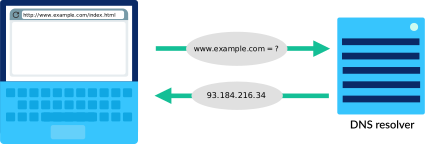
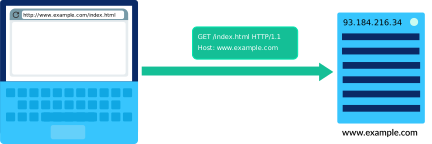
Step 3: Browser sends HTTP request
- An HTTP request can be as short as two lines of text:
-
GET /index.html HTTP/1.1
Host: www.example.com
Step 4: Host sends back HTTP response
- Once the host computer receives the HTTP request, it sends back a response with both the content and metadata about it.
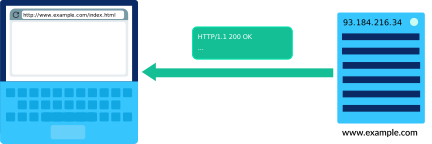
- The response begins with the protocol and version, "HTTP/1.1".
-
HTTP/1.1 200 OK
The next part of an HTTP response are the headers. They give the browser additional details and help the browser to render the content.
These two headers are common to most requests:
Content-Type: text/html; charset=UTF-8
Content-Length: 208
Finally, the HTTP response writes out the actual document requested. This page is a simple HTML file:
<!DOCTYPE html>
<html>
  <head>
    <title>Example Domain</title>
  </head>
  <body>
    <h1>Example Domain</h1>
    <p>This domain is to be used for illustrative examples in documents.</p>
  </body>
</html>
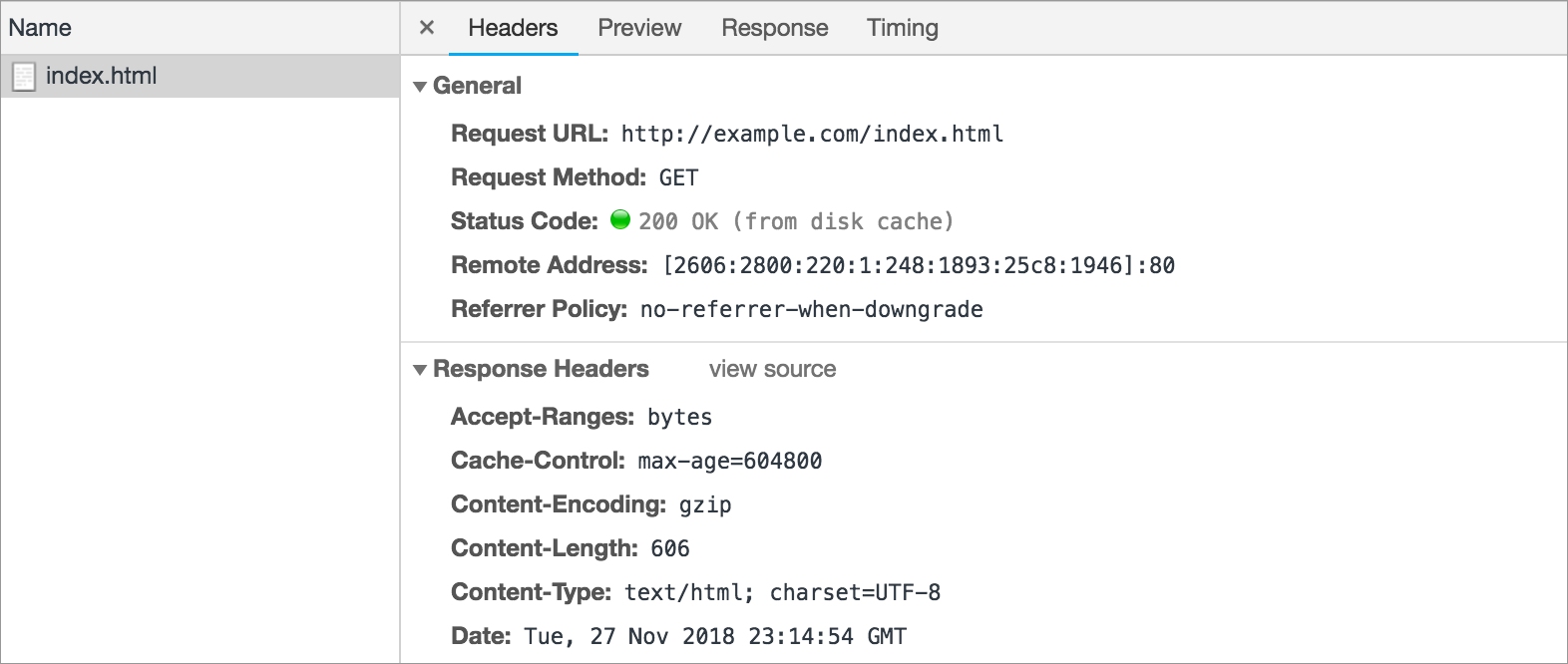
The "Response headers" includes headers discussed above, like "Content-Type" and "Content-Length", plus lots of other interesting headers.
Step 5: The browser renders the response